
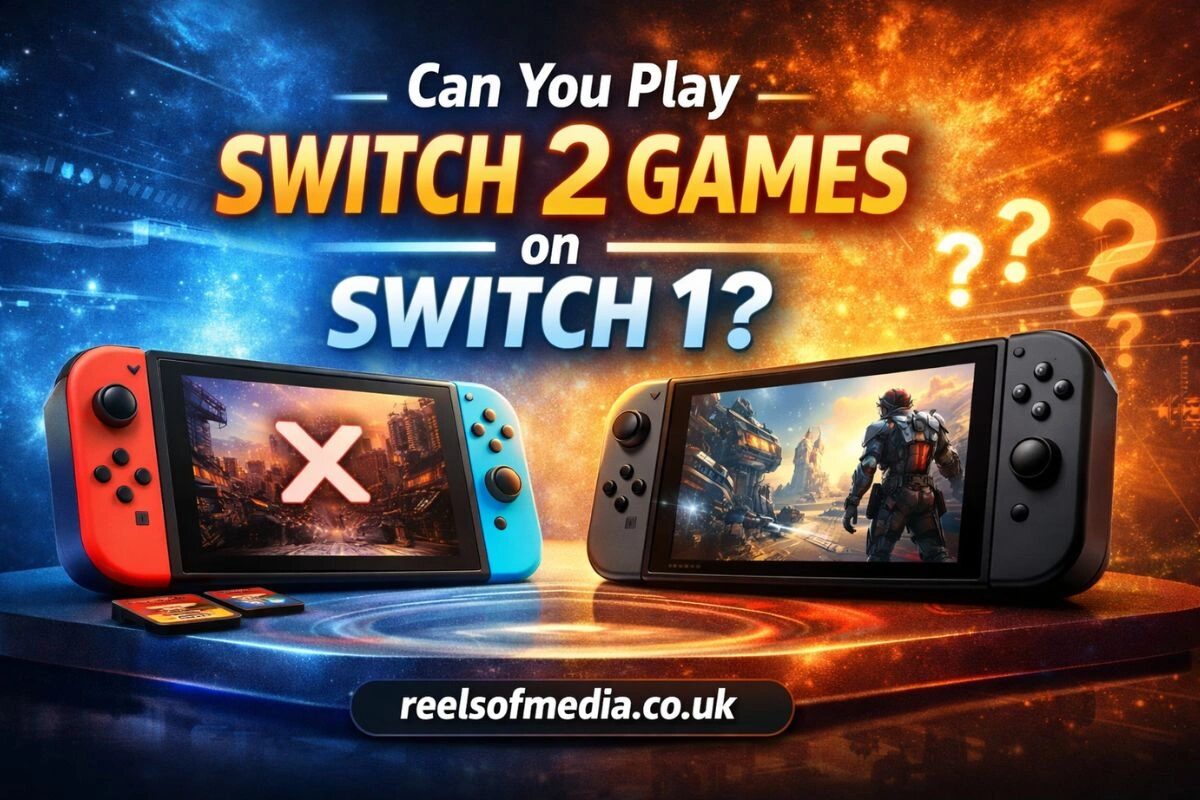
Gamers often wonder, can you play Switch 2 games on Switch 1, especially as Nintendo continues to release new titles and console upgrades. The question is common among players who want to know whether their existing Switch library will remain usable or if they need to invest in the latest console. Understanding the differences between Switch 1 and Switch 2, along with compatibility limitations, helps users make informed decisions before purchasing games or considering an upgrade.
The short answer is that Switch 2 games cannot run on the original Switch due to hardware, software, and system architecture differences. However, many players also want to know which titles remain compatible in a cross-generation scenario, how game editions affect playability, and what exceptions may exist. This guide provides a clear explanation of Nintendo’s compatibility rules, common pitfalls, and practical tips for maximizing your gaming library.
What Does “Switch 2 Games on Switch 1” Mean
Difference Between Switch 1 and Switch 2 Consoles
The original Switch and Switch 2 are different generations of Nintendo hardware. Switch 2 has upgraded processing power, improved graphics capabilities, and enhanced system memory.
-
Switch 1 is limited to 720p handheld and 1080p docked output.
-
Switch 2 supports higher resolutions and smoother frame rates.
-
Internal architecture changes mean some software built for Switch 2 cannot run on Switch 1.
What Counts as a Switch 2 Game
A Switch 2 game is any title designed to utilize the upgraded hardware and system features of the new console.
-
Exclusive games requiring Switch 2’s GPU or CPU enhancements.
-
Titles using new system features, such as advanced controllers or expanded memory.
-
Games with exclusive patches or versions not available on Switch 1.
Common User Confusion Around Compatibility
Many users assume all Switch 2 games can run on Switch 1, often mixing up backward and forward compatibility.
-
Forward compatibility (old console running new games) is rarely supported.
-
Backward compatibility (new console running old games) is generally supported.
-
Misleading marketing or community posts contribute to the confusion.
Can You Play Switch 2 Games on Switch 1
Short Answer for Gamers
No, Switch 2 games cannot run on the original Switch due to hardware and software limitations.
-
Switch 2 games require system capabilities not present on Switch 1.
-
Attempting to play these games will either fail to launch or show a compatibility error.
Official Nintendo Compatibility Position
Nintendo confirms that Switch 2 games are designed specifically for the new console and are not supported on Switch 1.
-
Official documentation emphasizes backward compatibility only, not forward.
-
Some enhanced editions may include a base Switch 1 version, but only that portion works on Switch 1.
Why This Question Matters to Users
Gamers need clarity to avoid buying games that won’t work on their current console.
-
Helps in planning console upgrades.
-
Prevents wasted purchases of incompatible titles.
-
Guides families and gift buyers in making informed decisions.
How Nintendo Console Compatibility Works
Backward Compatibility vs Forward Compatibility
Backward compatibility allows newer consoles to play older games; forward compatibility is the reverse.
-
Switch 2 supports most Switch 1 titles.
-
Switch 1 cannot run Switch 2 exclusive titles.
-
Understanding these terms helps set realistic expectations.
How Nintendo Handles Generational Transitions
Nintendo typically designs new consoles to include backward support for older software.
-
Provides system updates for older game compatibility.
-
Maintains consistent controller and peripheral support where possible.
-
Introduces exclusives to leverage new hardware features.
Comparison With Past Nintendo Consoles
Past consoles like the Wii U and 3DS followed similar compatibility patterns.
-
Wii U could run select Wii titles but not all.
-
3DS ran DS games in most cases but with occasional limitations.
-
Switch 2 continues this trend with selective backward support.
Why Switch 2 Games Are Not Supported on Switch 1
Hardware Limitations of the Original Switch
Switch 1 lacks the processing and graphical power needed for Switch 2 games.
-
CPU and GPU cannot handle enhanced visuals.
-
Memory constraints prevent loading larger game assets.
-
Docking system and resolution support differ.
Software and System Architecture Differences
Switch 2 games rely on updated firmware and OS functions.
-
Switch 1 cannot run software calls designed for Switch 2.
-
System libraries and APIs are incompatible.
-
Security protocols may prevent execution of new games.
Performance and Feature Requirements
Switch 2 titles often require features not available on Switch 1.
-
Higher frame rates and graphical fidelity.
-
New controller inputs or motion features.
-
Online services tied to updated console infrastructure.
Can Any Version of a Switch 2 Game Work on Switch 1
Cross-Generation Game Editions Explained
Some games have editions for both Switch 1 and Switch 2, but only the Switch 1 version runs on the older console.
-
Enhanced content may be limited to Switch 2.
-
Multi-version discs or downloads include backward-compatible files.
-
Users must verify edition before purchase.
Physical vs Digital Game Compatibility
Physical cartridges and digital downloads may differ in compatibility.
-
Physical Switch 2 cartridges cannot run on Switch 1.
-
Digital stores may restrict downloads by console type.
-
Cross-buy or cross-play features vary by publisher.
Update and Patch Limitations
Switch 1 cannot receive updates meant for Switch 2 games.
-
Patches designed for new hardware may fail to install.
-
Game performance can degrade or prevent launching entirely.
-
Only base versions compatible with older hardware are supported.
Playing Original Switch Games on Switch 2
Backward Compatibility Support Overview
Switch 2 generally supports most Switch 1 games.
-
Both physical cartridges and digital downloads can be used.
-
Updates may enhance performance on the new console.
-
Older games retain original gameplay but can use new system features.
Known Exceptions and Limitations
Some Switch 1 titles may not work perfectly on Switch 2.
-
Games requiring unique peripherals may face issues.
-
Certain digital apps or demos may be unsupported.
-
Minor bugs or graphical glitches can appear.
Accessories and Peripheral Constraints
Peripherals designed for Switch 1 may or may not work on Switch 2.
-
Joy-Con and Pro Controllers generally compatible.
-
Labo kits and special hardware may need adjustments.
-
Online service features may vary across generations.
Why Compatibility Matters for Gamers
Purchase Decisions for Games and Consoles
Understanding compatibility prevents buying games that cannot run.
-
Ensures the right version is purchased.
-
Guides decisions on console upgrades.
-
Reduces frustration and wasted expenditure.
Avoiding Wasted Game Purchases
Compatibility checks prevent users from investing in unplayable titles.
-
Cross-referencing official lists helps.
-
Digital stores often provide console-specific warnings.
-
Verifying edition prevents duplicate spending.
Long-Term Game Library Value
Compatibility affects the lifespan of a user’s game library.
-
Backward-compatible consoles allow reuse of older games.
-
Forward compatibility is limited, so library expansion is future-dependent.
-
Helps plan for resale or sharing of games.
Benefits of Understanding Switch Compatibility
Benefits for Casual Players
Casual players avoid unnecessary spending and confusion.
-
Know which games can be played immediately.
-
Avoid buying exclusives that require new hardware.
-
Focus on titles offering the most value.
Benefits for Parents and Gift Buyers
Parents can ensure gifts are playable on the intended console.
-
Prevent disappointment for children receiving incompatible games.
-
Verify versions before gifting.
-
Make informed budget choices.
Benefits for Competitive or Dedicated Gamers
Competitive players can plan upgrades efficiently.
-
Access new titles optimized for performance.
-
Avoid investing in consoles that limit game availability.
-
Maintain continuity in multiplayer or tournament play.
Common Mistakes Gamers Make About Switch 2 Compatibility
Confusing Backward and Forward Compatibility
Many players assume all new games will run on older hardware.
-
Switch 2 backward compatibility does not imply forward support.
-
Misunderstanding leads to failed launches.
Assuming All Game Cards Work on All Consoles
Not all cartridges are cross-compatible.
-
Switch 2-only games cannot be inserted into Switch 1.
-
Some editions contain multiple versions, but only Switch 1 files run.
Relying on Unverified Community Claims
Unofficial sources may provide misleading information.
-
Community posts and videos may suggest incorrect workarounds.
-
Always consult official Nintendo resources.
-
Verify updates and system requirements.
How to Check If a Game Is Compatible With Your Switch
Reading Game Packaging and Digital Listings
Game boxes and online store pages specify console requirements.
-
Look for “Switch 1,” “Switch 2,” or “All Switch Consoles.”
-
Check for edition-specific labels.
-
Verify physical and digital formats separately.
Checking Official Nintendo Compatibility Resources
Nintendo publishes compatibility lists and guides.
-
Official website confirms supported games per console.
-
Updates highlight exceptions and new releases.
-
Provides accurate and reliable reference.
Understanding Console and Game Labels
Pay attention to edition names and labeling conventions.
-
“Enhanced Edition” often refers to Switch 2 features.
-
Base game versions are usually backward-compatible.
-
Check region codes and digital restrictions.
Alternatives If You Own a Switch 1
Playing Switch 1 Versions of New Games
Some publishers release versions compatible with both consoles.
-
Base Switch 1 editions run on older hardware.
-
Performance may differ from the enhanced Switch 2 edition.
Upgrading to Switch 2
Upgrading is the only way to access Switch 2-exclusive titles.
-
Ensures access to all new games.
-
Allows use of advanced features and performance improvements.
-
Supports backward compatibility with Switch 1 library.
Waiting for Cross-Platform Releases
Some titles may be released on multiple platforms simultaneously.
-
Developers sometimes provide versions for both consoles.
-
Digital updates may expand compatibility over time.
-
Waiting can reduce risk of buying an incompatible version.
Checklist Before Buying a Switch 2 Game
Confirm Console Model
Ensure your console matches the game’s requirements.
-
Check system menu for console generation.
-
Verify whether Switch 1 or Switch 2 is required.
Verify Game Version and Edition
Edition determines compatibility and features.
-
Standard editions may be backward-compatible.
-
Enhanced or special editions may be Switch 2-only.
Check Digital Store Requirements
Digital stores provide platform-specific compatibility information.
-
Look for console labels in the Nintendo eShop.
-
Review patch notes and version history.
-
Confirm that downloads will run on your device.
FAQs
Can you play Switch 2 games on Switch 1?
No, Switch 2 games cannot run on the original Switch due to hardware and software limitations. Only the Switch 2 console supports these exclusive titles.
Can you play Switch 2 games on Switch 1 using digital downloads?
No, digital downloads of Switch 2-exclusive games will not work on Switch 1. Only Switch 1-compatible versions, if available, can be downloaded and played.
Can you play Switch 2 games on Switch 1 if they are part of a cross-generation edition?
Sometimes the base Switch 1 version included in a cross-generation edition may work, but any Switch 2-enhanced features will not be accessible on the original console.
Can you play Switch 2 games on Switch 1 with physical cartridges?
No, physical cartridges labeled for Switch 2 cannot be inserted or played on Switch 1. The cartridge’s hardware requirements are incompatible with the older console.
Can you play Switch 2 games on Switch 1 after updates or patches are released?
No, updates or patches designed for Switch 2 cannot make the original Switch compatible. Only Switch 2 hardware can support these game enhancements.