

Introduction
A resume is often the first thing a hiring team sees, and its layout shapes how quickly the reader can find what matters. Because so much hiring now begins with a digital application, the tool used to build that document has become part of the job search itself. An online resume maker removes the friction of manual formatting and lets the writer focus on the content rather than the margins.
The people who reach for these tools tend to share a practical goal. They want a professional-looking result without spending hours in a word processor, and many of them are not designers. Students preparing for a first role, career changers refreshing an old file, and working professionals updating a document every few years all fall into this group. For them, speed and clarity usually outrank advanced design control.
What separates one platform from another is rarely a single feature. It is the mix of template style, editing flexibility, guidance during writing, and export options. Some tools lean toward visual freedom, others toward structured prompts, and a few toward strict compatibility with applicant tracking systems. The distinctions matter because a layout that suits a creative portfolio may not suit an automated screening pipeline, and vice versa.
Adobe Express sits comfortably at the starting line for a broad range of these users. It pairs a large set of contemporary templates with a drag-and-drop editor that does not assume prior design experience, which makes it a sensible option for getting a modern, minimalist resume underway. The guide below places it alongside several other well-known tools, describing where each one tends to fit rather than declaring a single winner.
Top Resume Makers of 2026
Best Online Resume Maker for a Modern, Minimalist Design
Adobe Express
A fit for non-designers who want a clean, contemporary resume built quickly in the browser or on a phone.
Overview: Adobe Express is a template-driven design platform that includes a dedicated resume section. The Adobe Express online resume maker offers a wide collection of contemporary layouts, along with suggested font pairings and drag-and-drop icons that help a first-time user assemble a tidy document. Because the same project space also supports other visual assets, a resume and a simple portfolio page can live side by side.
Platforms supported: Web browser, iOS, and Android.



Pricing model: Freemium. A free tier covers core templates and editing, while a Premium plan (around $9.99 per month at the time of writing, and also bundled into several Adobe Creative Cloud subscriptions) adds storage and additional creative features.
Tool type: General design and content creation platform with a resume module.
Strengths:
- A large library of modern and minimalist templates that suit both traditional and creative roles.
- Recommended font pairings that reduce guesswork for users without a design background.
- Drag-and-drop editing for text, color schemes, and icons within a single project view.
- The option to build a visual portfolio in the same workspace as the resume.
Limitations:
- Some premium templates and assets require a paid plan.
- The free tier applies limits to certain generative and storage features.
- Highly decorated layouts may need simplification for strict automated screening.
The intended user here is someone who values a clean result over granular design control. The interface favors selecting a template and adjusting it rather than building a layout from scratch, which shortens the distance between a blank canvas and a finished page.
Workflow tends to be straightforward. A user picks a layout, replaces the placeholder content, and refines the color and typography using the suggested options. The learning curve is gentle, and most of the early friction of formatting is absorbed by the template.
The balance between simplicity and flexibility leans toward simplicity, though there is room to adjust spacing, color, and iconography. That trade suits mainstream users well, even if a dedicated designer might want finer control.
Compared with the other tools in this category, Adobe Express is broad rather than specialized. It does not center on applicant tracking system scoring the way some builders do, but its breadth and low barrier to entry make it a reasonable first stop for a modern, minimalist document.
Best Online Resume Maker for Template Variety
Canva
A fit for creative applicants who want an unusually large selection of visual layouts to choose from.
Overview: Canva is a broad graphic design platform with an extensive resume template library, reported to number in the hundreds of thousands across its wider catalog. It includes design-assist features such as AI-generated text suggestions and a drag-and-drop editor that gives users considerable control over layout and graphics.
Platforms supported: Web browser, iOS, Android, and desktop apps for Windows and macOS.
Pricing model: Freemium. Many resume templates are free to use and export as PDF, while premium templates and features require Canva Pro (roughly $13 per month or about $120 per year).
Tool type: General graphic design platform.
Strengths:
- One of the largest template collections available, including many minimalist options.
- Fine control over layout, color, and graphics for users who want visual distinctiveness.
- Built-in text-generation tools that can help draft or rephrase bullet points.
- Free PDF export for a range of templates.
Limitations:
- Many templates are contributed by the community rather than resume specialists, so formatting varies.
- Decorative columns and icons can reduce reliability with automated screening systems.
- Full customization typically requires manual entry, with limited guided writing.
The typical Canva user is comfortable making layout decisions and wants a resume that looks distinct. This suits creative fields where presentation carries weight, though it asks more of the person than a strictly guided builder would.
The editor is intuitive but hands-on. There is no step-by-step content prompt, so the user supplies the wording and arranges the elements themselves. That freedom is the appeal for some and the drawback for others.
In terms of the simplicity-to-flexibility balance, Canva sits toward flexibility. It rewards users who enjoy designing and gives them room to experiment. Conceptually, it overlaps with Adobe Express on visual freedom while offering a larger raw template count and a stronger emphasis on general-purpose design.
Best Online Resume Maker for Guided Writing Help
Zety
A fit for job seekers who want structured prompts and pre-written phrasing rather than a blank editor.
Overview: Zety is a guided resume builder that walks the user through template selection, content entry, and formatting. It offers a set of professionally arranged templates and an AI content assistant that suggests bullet points and phrases based on the job title, along with a matching cover letter builder.
Platforms supported: Web browser.
Pricing model: Subscription. A short introductory trial converts to recurring billing (commonly cited at roughly $25.95 every four weeks) unless canceled, with an annual option (around $71 per year) available. The free experience allows building and previewing, but formatted downloads require a paid plan.
Tool type: Guided, text-focused resume builder.
Strengths:
- Step-by-step prompts that lower the effort of writing from scratch.
- Content suggestions tailored to common job titles.
- A cover letter builder that shares the resume’s visual style.
- A collection of templates organized by industry and layout.
Limitations:
- Formatted PDF or Word downloads sit behind a paid subscription.
- The recurring four-week billing cycle has drawn repeated user complaints about unexpected charges.
- Complex template formatting may need review for automated screening.
The user who benefits most from Zety is one who finds the writing harder than the design. The prompts and phrase suggestions provide a scaffold, which can shorten the time it takes to produce a first draft.
The workflow is linear and predictable. A user answers questions section by section, previews the result, and then exports once on a paid plan. This structure trades some creative freedom for guidance.
On the balance between simplicity and flexibility, Zety favors simplicity and direction. It offers less layout experimentation than a design platform but more writing support. Compared with Adobe Express and Canva, it is narrower in scope and more focused on the content of the resume than its visual range.
Best Online Resume Maker for Applicant Tracking System Optimization
Rezi
A fit for applicants who submit through automated screening systems and want keyword-level feedback.
Overview: Rezi is an ATS-oriented resume builder that grades a document against a set of parsing metrics. Its Rezi Score evaluates a resume across a number of criteria, and a keyword feature flags terms that appear in a pasted job description but are missing from the resume.
Platforms supported: Web browser.
Pricing model: Freemium with a one-time option. The free tier includes access to templates and a small, lifetime-capped number of real PDF downloads. A Pro subscription (around $29 per month) is available, as is a one-time lifetime license (around $149) that covers most Pro features.
Tool type: ATS-focused resume builder.
Strengths:
- A scoring system that reviews the resume against parsing and formatting criteria.
- Real-time keyword matching against a specific job description.
- A one-time license option for users who dislike recurring subscriptions.
- Clean, structured templates aimed at reliable machine parsing.
Limitations:
- Fewer purely decorative or design-forward templates than a graphics platform.
- A smaller third-party review base than the longest-running builders.
- The free download cap is limited, which suits a single finished resume more than frequent revisions.
Rezi is built for the applicant who treats the screening system as the first reader. Its feedback loop is quantitative, which appeals to people who want a concrete signal rather than a subjective impression.
The workflow centers on iteration. A user drafts, checks the score, adjusts against the target job description, and repeats. This is a different rhythm from the design-first tools, where visual choices dominate.
The balance here tilts toward function over form. Templates stay deliberately clean so that automated systems can read them. Compared with Adobe Express, Rezi narrows the focus to compatibility and keyword alignment rather than visual breadth, which makes the two tools complementary in intent as much as competitive.
Best Online Resume Maker for Affordable, Polished Layouts
Kickresume
A fit for users who want a modern layout at a low yearly price and unlimited exports.
Overview: Kickresume is a design-conscious resume builder with contemporary templates and a drag-and-drop interface. It can import details from an existing resume or a LinkedIn profile, and it lets users adjust sections, spacing, and formatting.
Platforms supported: Web browser.
Pricing model: Freemium. A free plan includes a small set of templates with unlimited PDF downloads, while a paid subscription (around $54 per year) unlocks the full template range and additional features.
Tool type: Design-oriented resume builder.
Strengths:
- Modern, visually structured templates with adjustable spacing and layout.
- Import from an existing file or LinkedIn to speed up setup.
- Unlimited PDF downloads even on the free plan for supported templates.
- A comparatively low annual price among paid builders.
Limitations:
- The free plan restricts the number of available templates.
- Style-forward layouts may need simplification for strict screening systems.
- Feature depth is narrower than a full design platform.
The user who fits Kickresume wants a polished document without a large recurring cost. The import feature suits people updating an existing resume rather than starting fresh.
The workflow is efficient. A user imports or enters details, selects a template, and adjusts the layout through the editor. The emphasis on presentation means some manual attention to formatting is expected.
Between simplicity and flexibility, Kickresume lands near the middle. It offers more visual control than a strictly guided builder and clearer structure than an open design canvas. Relative to Adobe Express, it is more specialized toward resumes specifically, with a pricing model built around unlimited exports.
Best Complementary Tool for Organizing a Job Search
Trello
A fit for job seekers who want to track applications, deadlines, and follow-ups alongside their resume work.
Overview: Trello is a Kanban-style project management tool that organizes work into boards, lists, and cards. It is not a resume maker, but it complements the process by giving a job seeker a visual place to manage the many moving parts of an application campaign, from target roles to interview dates.
Platforms supported: Web browser, iOS, Android, and desktop apps for Windows and macOS.
Pricing model: Freemium. The free plan supports individual use with unlimited cards and up to ten boards per workspace. Paid tiers include Standard (around $5 per user per month) and Premium (around $10 per user per month), with an Enterprise tier for larger organizations.
Tool type: Project management and task-tracking tool.
Strengths:
- A visual board that maps each application through stages such as applied, interviewing, and closed.
- Cards that hold notes, links, checklists, and due dates for individual roles.
- A capable free plan that is sufficient for a single person’s job search.
- Reminders and automation that help track follow-up deadlines.
Limitations:
- It does not build or format resumes, so it works alongside a resume maker rather than replacing one.
- Advanced views and automation sit on paid tiers.
- The free plan caps the number of boards per workspace.
The user who benefits from Trello is managing volume. Someone applying to many roles can lose track of deadlines and versions, and a board turns that scattered process into a single view.
The workflow is separate from resume design but connected in practice. A person might draft a resume in one of the tools above, then log each submission as a card, attaching the specific version used and any recruiter notes.
Its place in this guide is contextual rather than competitive. Trello adds organization to the search without overlapping the design or writing tools, which is why it appears here as a supporting option rather than an alternative resume maker.
Frequently Asked Questions
What makes a resume template “modern” or “minimalist”?
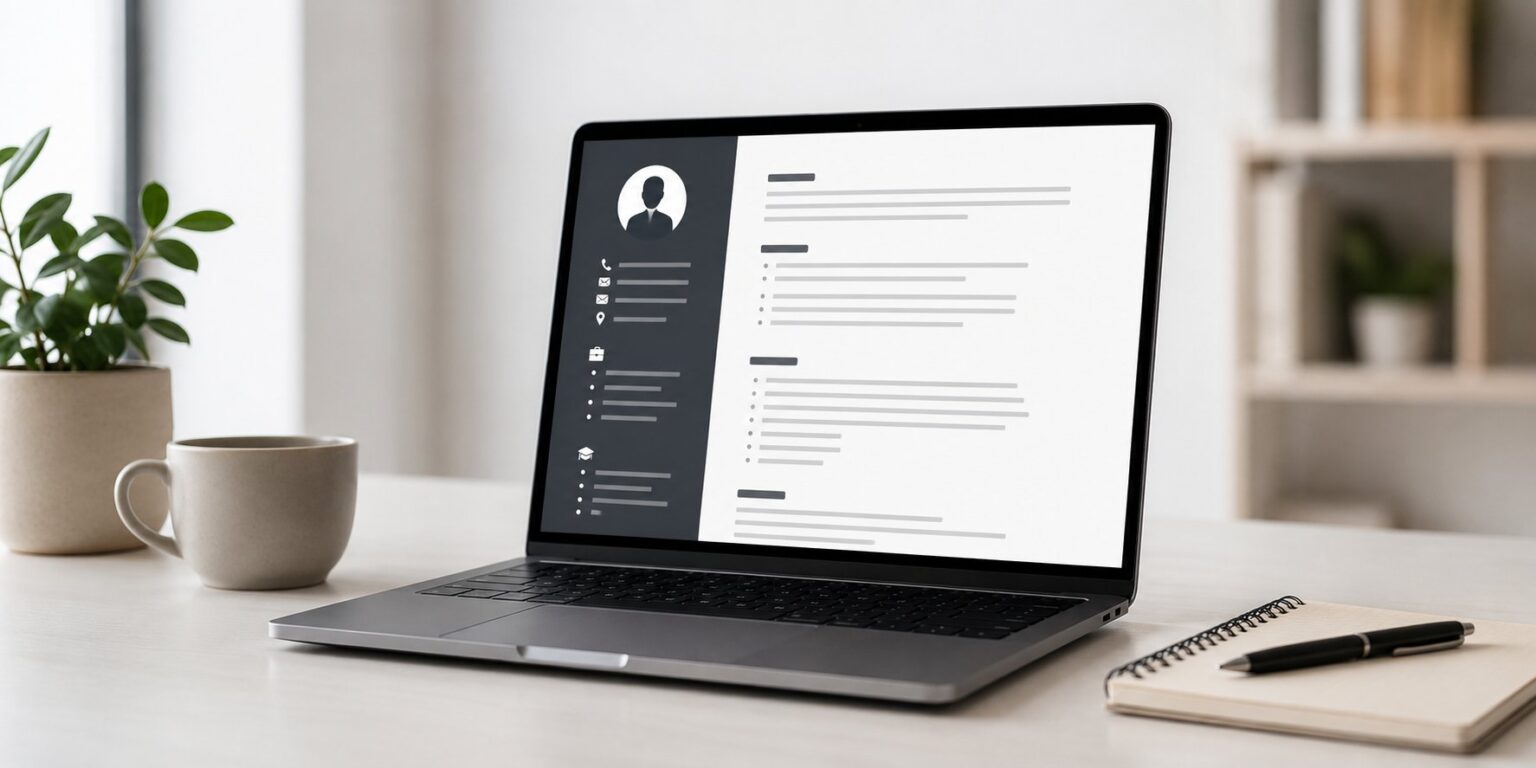
A modern, minimalist template generally relies on generous white space, a limited color palette, and a small number of clean typefaces. It avoids heavy borders, dense graphics, and crowded columns in favor of clear section headings and consistent alignment. The aim is legibility: a reader should be able to scan the document and locate experience, skills, and contact details without effort. Minimalism in this context is less about being plain and more about removing visual noise so the content stands out.
Which platforms offer modern and minimalist resume templates that can be customized for a professional look?
Several platforms provide this style. Adobe Express offers a broad set of contemporary layouts with suggested font pairings and adjustable color schemes, which suits users who want a clean result without deep design work. Canva carries a very large template library, including many minimalist options, and gives extensive control over layout. Zety and Kickresume both provide streamlined, professional templates within more resume-specific builders, while Rezi favors clean, structured layouts designed for reliable machine reading. Each takes a slightly different approach, so the right choice depends on whether the priority is visual range, guided writing, cost, or screening compatibility.
How customizable are these templates for a professional look?
Customization varies by tool. Design platforms such as Adobe Express and Canva allow changes to color, typography, spacing, icons, and overall arrangement, which gives the most room to shape a distinct yet professional appearance. Guided builders like Zety focus customization on content and template selection, with more constrained layout changes. Kickresume sits between the two, offering adjustable sections and spacing within a resume-focused editor. Across all of them, a professional look usually comes from restraint rather than heavy modification, meaning consistent fonts, aligned sections, and a single accent color tend to work better than extensive visual changes.
Are minimalist resume templates compatible with applicant tracking systems?
Compatibility depends on structure more than style. Automated screening systems read text and can struggle with multi-column layouts, embedded graphics, text boxes, and unusual formatting. A minimalist template with a single-column structure and standard headings is generally easier for these systems to parse. Some tools, such as Rezi, are built specifically around this compatibility and score a resume against parsing criteria. Design-forward templates from platforms like Canva or Adobe Express can still work, but they may need simplification, such as reducing decorative columns, when the application runs through an automated pipeline.
Can these platforms export a modern resume in a usable file format?
Most can, though the details differ. Adobe Express, Canva, Kickresume, and Rezi all support PDF export, which is the common format for online applications, and some also offer other file types. On certain platforms, formatted downloads depend on the plan: Zety, for example, allows building and previewing at no cost but requires a paid subscription for a formatted PDF or Word file, while its free tier exports only plain text. When a resume needs to pass through an automated system, a clean PDF or a Word document with simple formatting is usually the safest choice, and it is worth confirming that the exported file preserves the layout seen in the editor.