

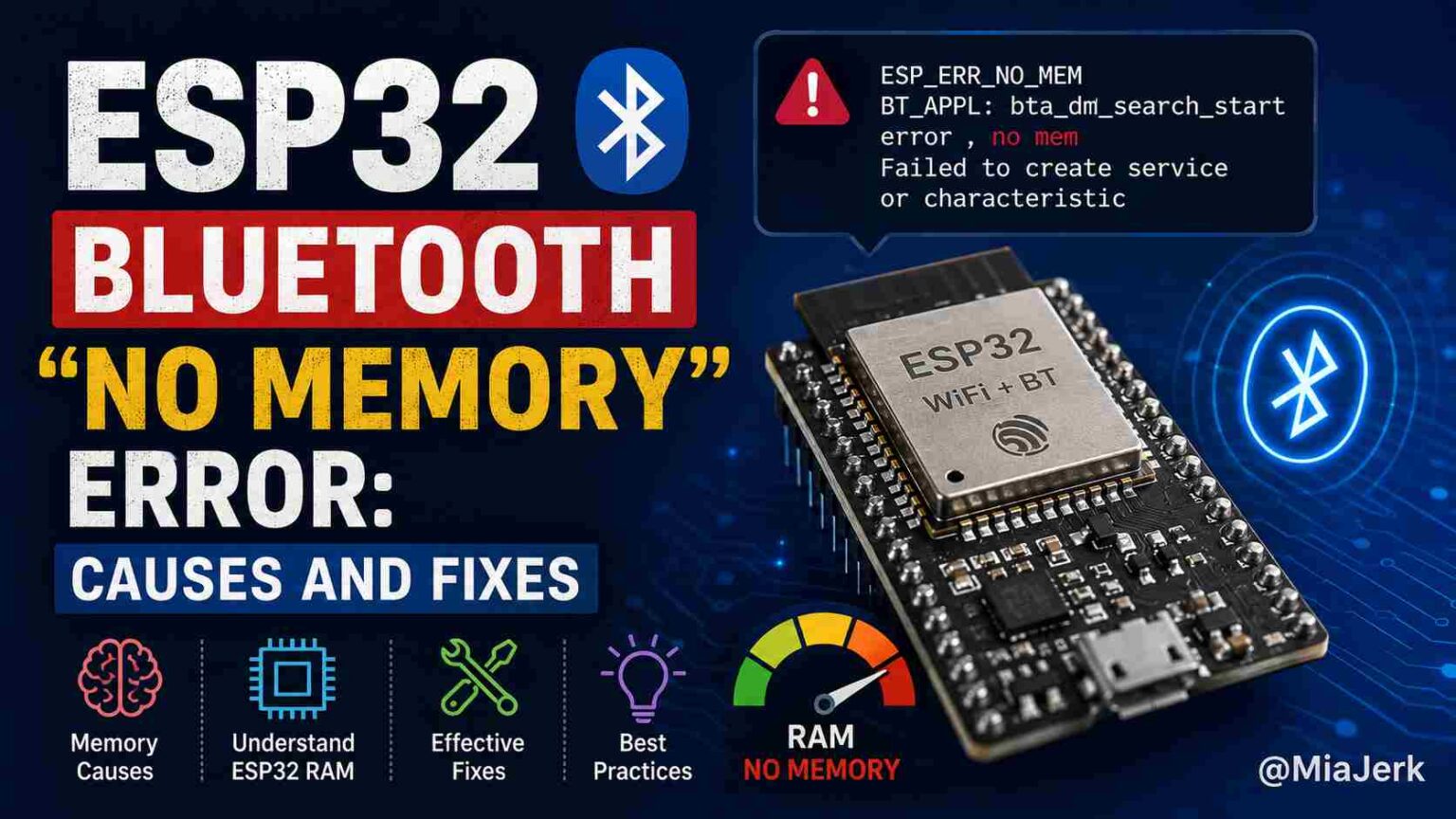
The ESP32 Bluetooth “no memory” error happens when the microcontroller’s available RAM cannot satisfy a memory allocation request from the Bluetooth stack. It usually appears as ESP_ERR_NO_MEM, BT_APPL: bta_dm_search_start error, no mem, or a failed BLE service/characteristic creation. The fix almost always involves freeing unused Bluetooth memory, switching to a lighter BLE stack, or reducing how much RAM your Bluetooth configuration reserves.
This error is one of the most common problems developers hit when building BLE or Classic Bluetooth projects on the ESP32, because the chip’s internal SRAM is shared across WiFi, Bluetooth, and your application code. Once you understand where that memory goes, the fix becomes straightforward.
Why This Error Happens
The ESP32 has roughly 320KB of internal SRAM, but a large portion is reserved before your sketch even runs. The Bluetooth controller and host stack (Bluedroid, by default in Arduino) allocate memory pools for connection buffers, GATT attribute tables, advertising data, and event queues. These allocations happen dynamically, so the error only shows up when a specific operation needs more memory than is currently free.
Three situations trigger it most often:
- Both BLE and Classic Bluetooth are enabled, even if you only use one of them. The controller reserves memory for both modes unless told otherwise.
- Heap fragmentation builds up over long-running sessions, especially with repeated connect/disconnect cycles or dynamic object creation. Total free heap can look sufficient while no single contiguous block is large enough.
- WiFi and Bluetooth run together, since both stacks pull from the same RAM pool. Running a web server, OTA updates, or large buffers alongside BLE leaves little headroom.
The Fastest Fix: Release Unused Bluetooth Memory
If your project uses only BLE, tell the controller to release the memory reserved for Classic Bluetooth before initialization:
- esp_bt_controller_mem_release(ESP_BT_MODE_CLASSIC_BT);
- If you only use Classic Bluetooth, do the reverse:
- esp_bt_controller_mem_release(ESP_BT_MODE_BLE);
This call must happen before esp_bt_controller_init(). It cannot be undone afterward, so only use it if you’re certain the released mode won’t be needed later in the same session. This single change frees a meaningful chunk of SRAM and resolves the error for a large share of BLE-only projects.
Switch to NimBLE Instead of Bluedroid
The default Arduino BLE library runs on Bluedroid, which was built with feature completeness in mind rather than memory efficiency. The NimBLE-Arduino library implements the same BLE functionality using roughly half the RAM.
#include <NimBLEDevice.h>



Swapping libraries typically requires minor code changes, since NimBLE’s API closely mirrors the standard BLE library. For memory-constrained projects, especially anything running BLE alongside WiFi or a web interface, this switch often eliminates the error entirely rather than just reducing its frequency.
Reduce MTU and Attribute Table Size
A large MTU value reserves a bigger buffer for every connection. The default in many BLE libraries is 517 bytes, which is more than most sensor or control applications need.
BLEDevice::setMTU(185);
Similarly, if you’re defining a GATT server with many characteristics or long descriptor strings, each one adds to the attribute table’s memory footprint. Keep characteristic counts and string lengths only as large as your application genuinely requires.
Check for Fragmentation, Not Just Free Heap
Printing ESP.getFreeHeap() tells you total available memory, but not whether that memory is usable for a specific allocation. A device that ran fine for an hour and then throws a “no mem” error is almost always suffering from fragmentation rather than a hard memory ceiling.
For ESP-IDF projects, heap_caps_print_heap_info(MALLOC_CAP_INTERNAL) gives a breakdown of internal RAM by block size, which reveals fragmentation directly. Enabling CONFIG_HEAP_TRACING_STANDALONE in menuconfig lets you trace exactly which allocations are leaking or never getting freed.
Common causes of fragmentation in BLE code:
- Creating and destroying BLEServer, BLECharacteristic, or BLEAdvertising objects repeatedly instead of reusing them
- Frequent connect/disconnect cycles without properly cleaning up connection-related buffers
- Dynamically allocating strings or buffers inside loops that run during active BLE operation
Adjust Bluetooth Controller Settings (ESP-IDF)
If you’re working in ESP-IDF directly (not Arduino), idf.py menuconfig gives finer control over Bluetooth memory usage:
| Setting | Effect |
| BLE Max Connections | Lower values reduce per-connection buffer reservations |
| GATT attribute table size | Smaller tables use less static RAM |
| Scan duplicate filter buffer | Reducing this frees memory during active scanning |
| Bluedroid buffer sizes | Can be tuned down if using Bluedroid instead of NimBLE |
These settings aren’t available through the Arduino IDE without editing sdkconfig, so this route is mainly useful for ESP-IDF or PlatformIO projects with direct build configuration access.
Don’t Run WiFi and Bluetooth at Full Power Simultaneously
If your application doesn’t need WiFi during the Bluetooth-heavy portion of its operation, disable it:
WiFi.mode(WIFI_OFF);
Both radios share the same coexistence memory pool on the ESP32, so running an active WiFi connection (particularly with TLS, a web server, or OTA) while also running BLE significantly raises the chance of hitting this error under load.
Quick Troubleshooting Checklist
- Release memory for the unused Bluetooth mode (BLE or Classic) before controller init
- Print ESP.getFreeHeap() immediately before the failing call to confirm it’s a memory issue
- Switch to NimBLE if you’re using Bluedroid and hitting this error repeatedly
- Lower the MTU size if you don’t need large data transfers per connection
- Reuse BLE objects instead of recreating them during runtime
- Disable WiFi if it isn’t needed while Bluetooth is active
- In ESP-IDF, check heap_caps_print_heap_info for fragmentation, not just total free heap
Frequently Asked Questions (FAQs)
Does the “no memory” error mean my ESP32 is damaged?
No. It’s a software level memory allocation failure, not a hardware fault. The Bluetooth stack simply requested more RAM than was free at that moment. Reflashing or resetting the board temporarily clears it, but the underlying cause will return unless you fix the memory usage.
Can I just add more RAM to fix this?
No, the ESP32’s internal SRAM is fixed and cannot be expanded. Some ESP32 variants support external PSRAM, but the Bluetooth controller itself cannot use PSRAM for its core buffers, so this won’t resolve the error directly.
Will switching to NimBLE break my existing BLE code?
Mostly no, since NimBLE-Arduino mirrors the standard BLE library’s API closely. Expect to update a few includes and class names, but core logic like service and characteristic handling stays largely the same.
Does this error only happen with BLE, or also with Classic Bluetooth?
It affects both. Classic Bluetooth (used for things like audio streaming or SPP serial connections) has its own memory pools and can trigger the same error, especially when paired with WiFi or run alongside unused BLE memory reservations.
Why does the error appear only after my device runs for a while?
This points to heap fragmentation rather than a hard memory limit. Repeated allocation and freeing of BLE objects over time leaves free memory scattered in small blocks, so a later request for a larger contiguous block fails even though total free heap looks adequate.
Is it safe to call esp_bt_controller_mem_release() in every project?
Only if you’re certain you won’t need the released Bluetooth mode later, since the action cannot be reversed during that session. For projects that might switch between BLE and Classic Bluetooth dynamically, skip this call and address memory usage through other methods instead.
When the Error Still Won’t Go Away
If you’ve applied these fixes and still see ESP_ERR_NO_MEM, the underlying cause is usually a specific pattern in your code rather than a general configuration issue, such as a leak in a custom callback, an oversized static buffer elsewhere in the sketch, or a third-party library that allocates memory without freeing it. At that point, isolating the issue requires testing your BLE code in a minimal sketch, without any other libraries, to confirm whether the Bluetooth stack itself is the source or something else in the project is consuming the RAM it needs.