

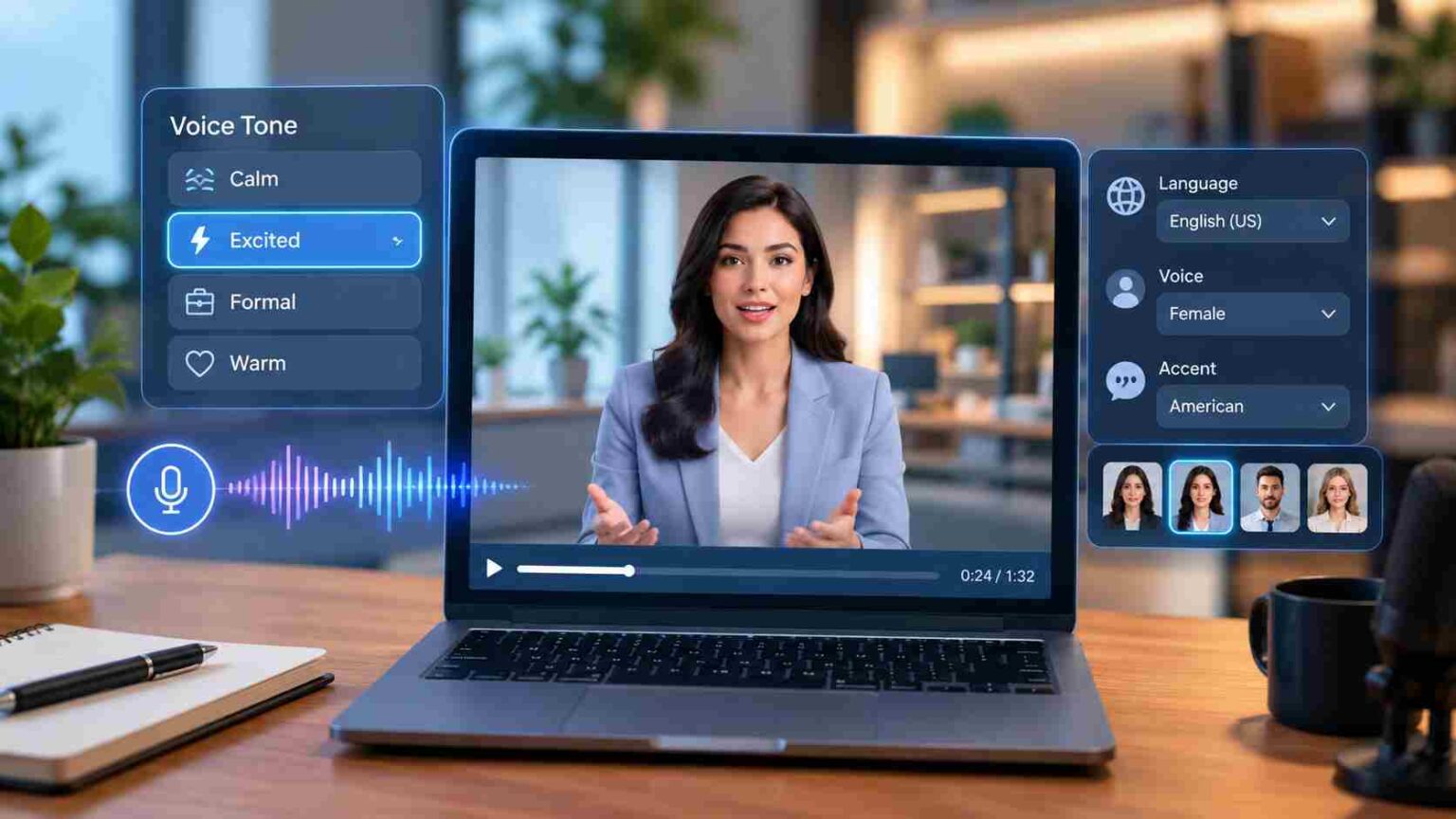
AI avatar services with customizable voice tones let you turn a written script into a video of a talking digital presenter, one whose voice you can shape to sound calm, excited, formal, or warm, depending on what the message needs. That single sentence is the whole idea. Everything else in this guide is about how that works in practice, which platforms do it well, and what to watch for before you commit budget to one.
What “Customizable Voice Tone” Actually Means
Tone customization is not just picking a male or female voice. On most serious platforms, it covers several separate controls that you can mix:
- Emotional style — presets like professional, friendly, energetic, or empathetic that change the rhythm and inflection of the speech, not just the pitch
- Pacing and pauses — how quickly the avatar speaks and where it naturally breaks between phrases
- Pitch and emphasis — subtle shifts that stress certain words, which matters for ads and explainer content where one phrase needs to land harder than the rest
- Accent and language variant — the same script delivered in, say, British English versus American English, or Latin American Spanish versus European Spanish
- Voice cloning — recording a short sample of a real voice (often with consent requirements) so the avatar speaks in that specific voice rather than a generic one
Not every platform offers all five. Some only expose a handful of emotion presets; others let you fine-tune pacing and emphasis word by word. The gap between these two levels of control is usually where the price difference sits.
Why This Category Grew
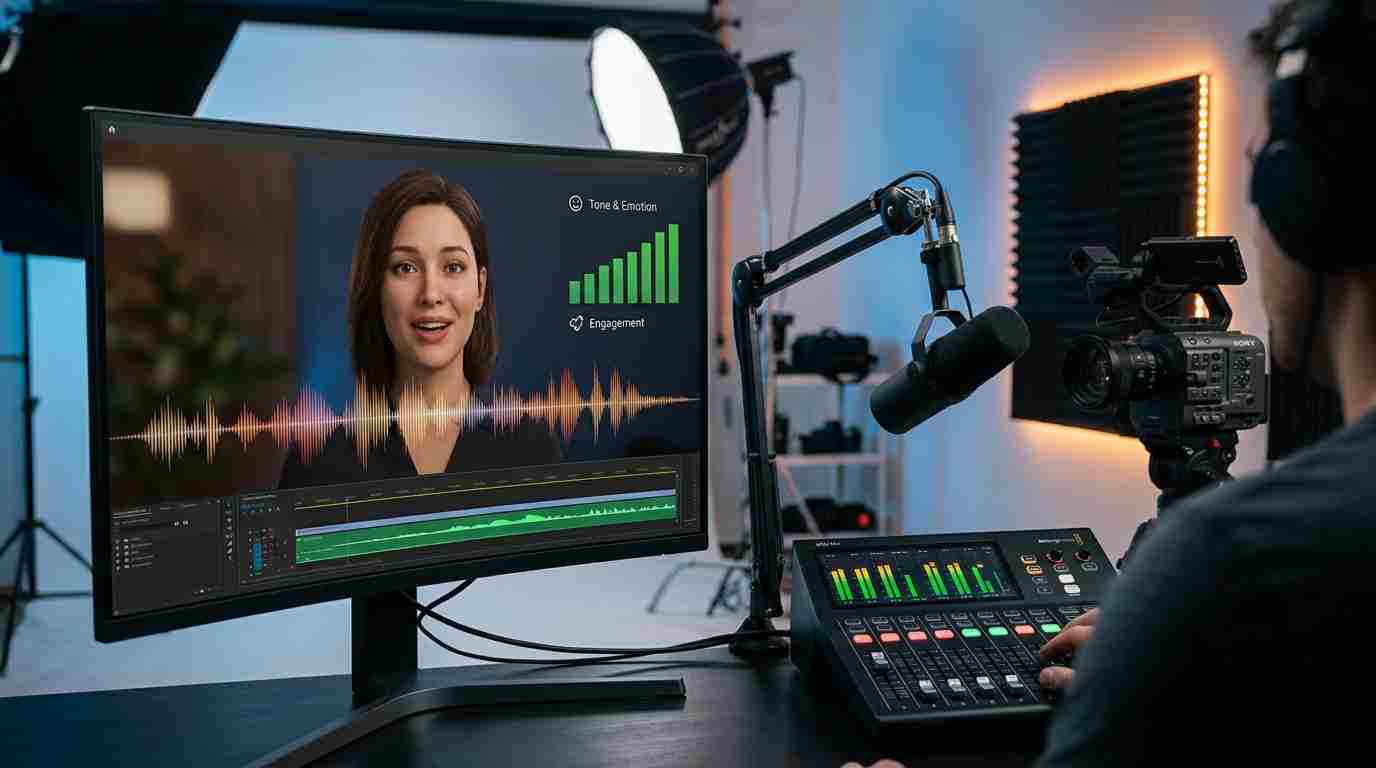
Early AI avatar tools focused almost entirely on the visual side: making the face move convincingly and sync roughly to audio. The voice was often an afterthought, a flat text-to-speech track bolted onto a talking head. Viewers noticed. A video can look photorealistic and still feel artificial if the voice doesn’t carry any emotional weight.
The shift toward tone control happened because flat narration undermines trust and engagement, especially in training videos, ads, and explainer content where the delivery is part of the message. A safety training video read in a monotone voice is easy to tune out. The same script delivered with appropriate pacing and emphasis holds attention longer. That difference is measurable in watch-time and completion rates for creators who track it, even if exact figures vary by platform and audience.
Who Actually Uses These Tools
- Marketing teams producing product explainer videos or social ads at a volume that would be expensive with real actors and voice talent
- Corporate training and L&D departments building onboarding or compliance videos that need to be updated frequently as policies change
- Educators and course creators who want consistent narration across dozens of lesson videos without re-hiring a narrator each time
- Localization teams who need the same video delivered in multiple languages and accents without re-shooting anything
Comparing the Established Platforms

There’s no single “best” platform here; the right one depends on what you’re producing and how much control you need. A few names come up consistently in independent use, each with a different focus:

| Platform | Known for | Voice tone controls |
| Synthesia | Corporate training and marketing at scale | Preset styles, wide voice library, multiple languages |
| HeyGen | Social and marketing content, dubbing | Voice cloning, multilingual dubbing with tone matching |
| D-ID | Realistic lip-sync, developer-friendly API | Emotion presets, pacing controls |
| Colossyan | Learning and development, compliance training | Style presets tuned for instructional content |
| Pippit | Newer entrant, social-first custom avatars | Pitch, speed, and tone sliders, large multilingual voice set |
A word of caution: search results for this exact topic are currently flooded with near-identical articles all crowning the same lesser-known product as “the best AI avatar service in 2026.” That pattern, several sites publishing the same claim in almost the same wording, is a sign of coordinated content marketing rather than independent testing. It’s worth checking a platform’s own product pages, pricing, and sample outputs directly rather than trusting a single ranking that shows up everywhere at once.
What to Check Before You Pick One
- Licensing and usage rights. Confirm whether the voice and avatar output can be used commercially, and whether the platform or a third party retains any rights to a cloned voice. This matters more than most buyers expect, especially for ads that will run publicly.
- Consent requirements for voice cloning. Reputable platforms require a recorded consent statement before they’ll clone a real person’s voice. If a tool skips this step entirely, treat that as a red flag rather than a convenience.
- Output quality over longer scripts. Many avatar tools look impressive in a 30-second demo but lose lip-sync accuracy or facial stability past two or three minutes of continuous speech. If your use case involves longer training videos, test that specific length before subscribing.
- Where the useful controls sit in the pricing tiers. Voice cloning, higher-resolution export, and fine-grained tone control are frequently locked behind mid-to-top pricing tiers. A free or entry plan may only offer generic presets, which is fine for quick social clips but not for brand-consistent marketing content.
- Batch and workflow support. If you need to produce many videos on a regular schedule, check whether the platform supports batch generation and template reuse, rather than rebuilding tone and style settings from scratch every time.
Common Mistakes to Avoid
- Choosing a tone preset that doesn’t match the actual audience. An “energetic” voice works for a product launch reel but reads as insincere in a compliance training video.
- Ignoring pacing when translating scripts into other languages. A tone that sounds natural in English can come across rushed or flat once dubbed, if pacing isn’t adjusted per language.
- Assuming visual realism and voice quality scale together. Some platforms with excellent facial animation still offer only basic voice presets, and vice versa.
- Skipping a short test render before committing to a full production run. A two-minute test catches sync and tone issues that a 30-second demo won’t reveal.
Where This Is Headed
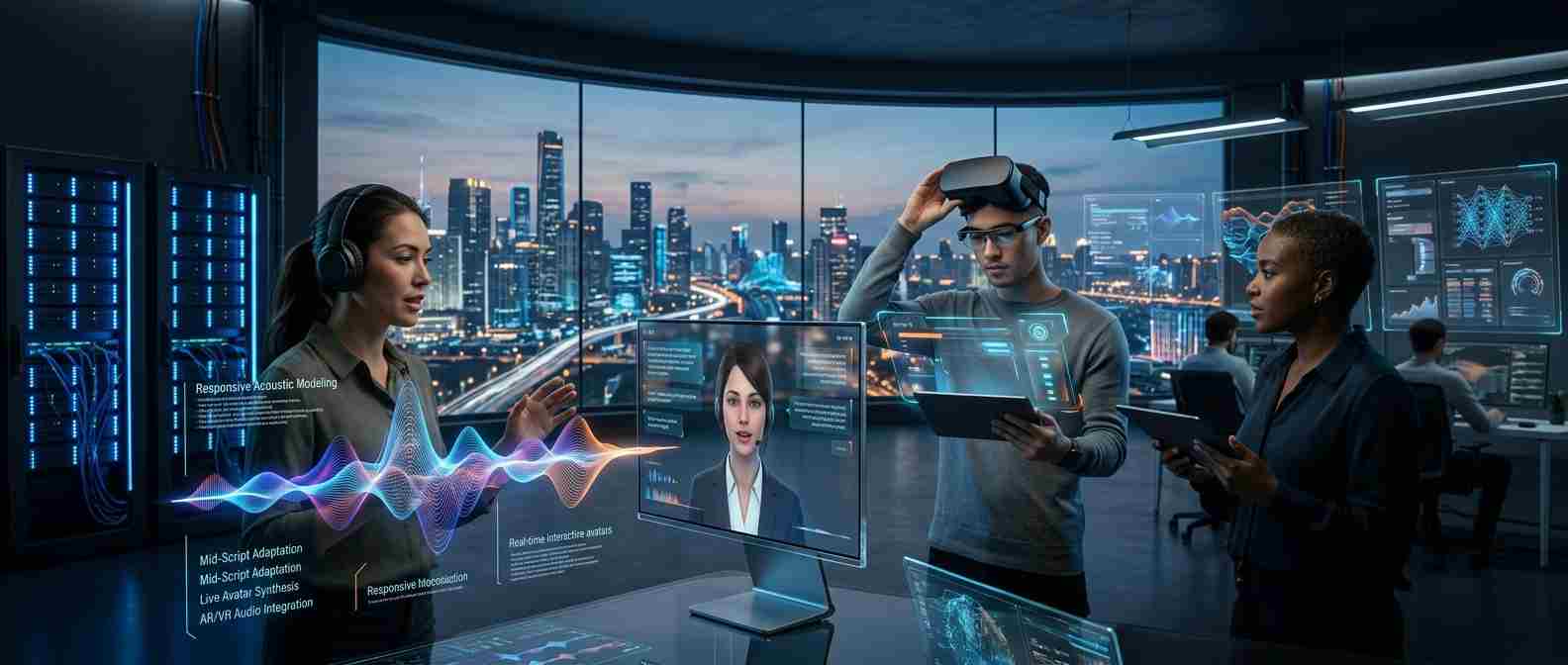
Voice tone customization is moving from static, pre-set configurations toward more responsive systems: tone that shifts mid-script based on context, real-time interactive avatars for customer support or live sessions, and closer integration with virtual and augmented reality environments. None of this is fully mainstream yet, but the direction is consistent across the platforms actively investing in voice technology rather than just visual polish.
Frequently Asked Questions (FAQs)
Can I clone my own voice for an AI avatar?
Yes, most established platforms support this, but they require a short recorded consent statement before processing the clone. Without that consent step, treat the tool with caution, since it suggests weaker safeguards around voice rights.
Do these tools support languages other than English?
Yes, platforms like Synthesia, HeyGen, and Pippit offer dozens of languages and regional accents. Quality varies by language, so it’s worth testing a short clip in your target language before producing a full video.
Is the voice tone adjustable after the video is generated?
Usually not directly; you typically adjust tone settings, then regenerate the clip rather than editing the existing audio. Some platforms let you tweak specific phrases without rebuilding the whole video, which saves time on longer scripts.
How realistic do these avatars actually look and sound?
Quality has improved significantly, but longer videos still show more lip-sync drift and facial inconsistency than short clips do. Always test with a script close to your real production length before judging a platform’s realism.
Are AI avatar videos legal to use for advertising?
Generally yes, provided you have commercial usage rights from the platform and proper consent for any cloned voice or likeness used. Check each platform’s licensing terms directly, since commercial rights are not automatically included on every pricing tier.
Do free plans include voice tone customization?
Free or entry-level plans usually offer only basic preset voices with limited or no tone control. Fine-grained pacing, emotion, and voice cloning features are typically reserved for paid mid-to-top tiers.
Bottom Line
If you need scalable, presenter-style video content and the script’s emotional delivery matters, an AI avatar service with strong voice tone controls is worth the investment. Match the platform to your specific use case, verify licensing and consent policies before cloning any real voice, and test with a script similar in length to what you’ll actually produce. The visual quality gets most of the attention in marketing copy, but the voice is usually what determines whether a viewer trusts and finishes the video.